
6. Une fois l’application installée, cliquez sur « Ouvrir ».

Fire TV Stick
TiviMate
Android
Apple / ios
Smart Tv
Windows / Macbook
Mag Box
Fire TV Stick
Comment configurer l’IPTV sur Fire TV Stick
1 : Depuis l’écran d’accueil de votre appareil, survolez l’option Rechercher.
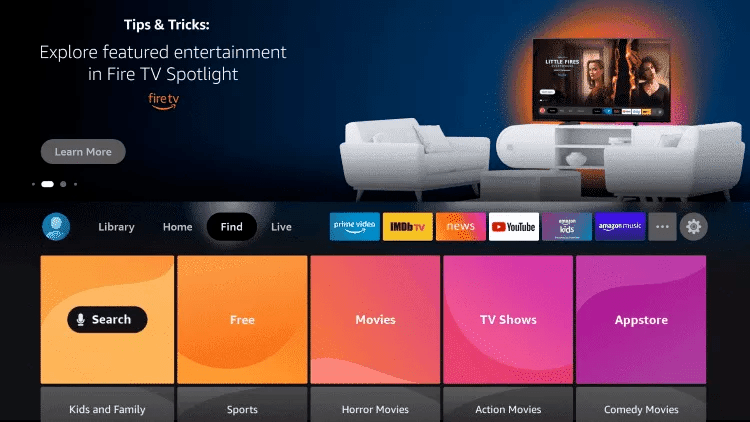
1. Cliquez sur « Rechercher ».
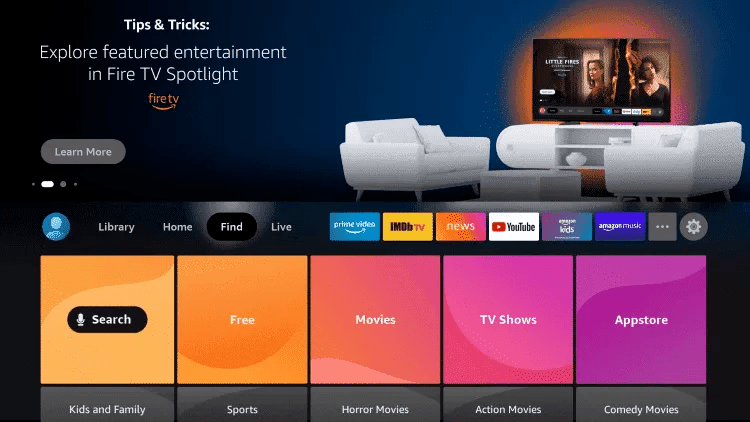
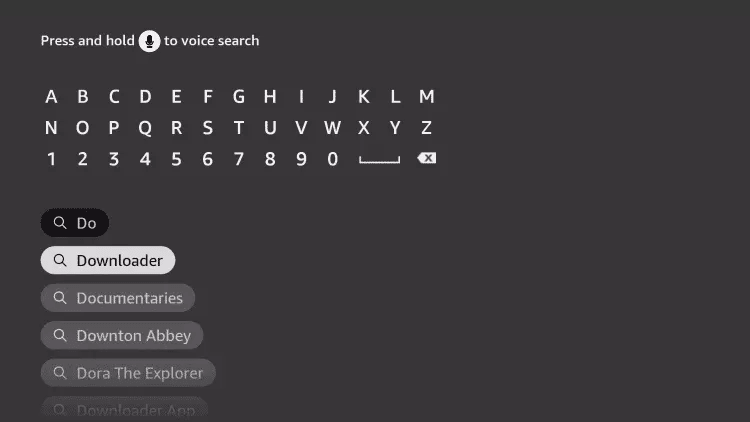
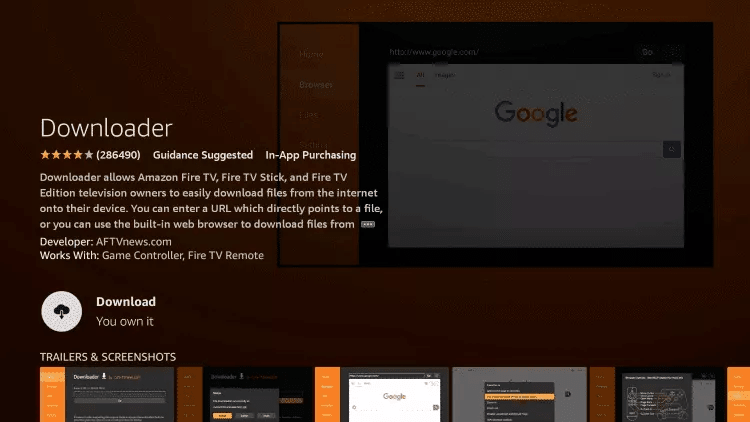
3. Recherchez l’application Downloader et sélectionnez-la.
4. Sélectionnez l’application Downloader.
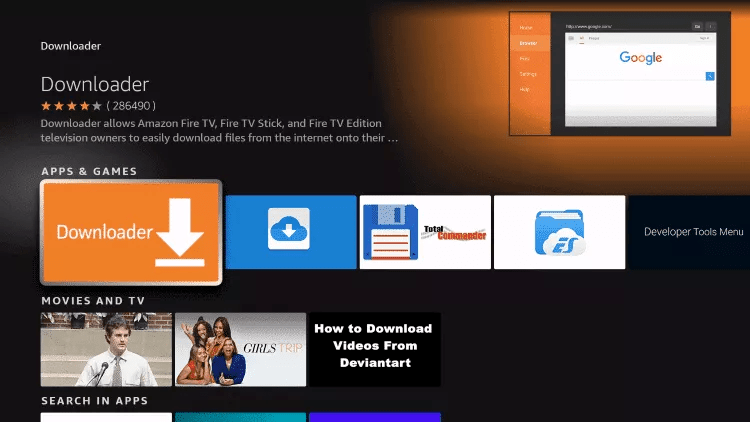
5. Cliquez sur « Télécharger ».
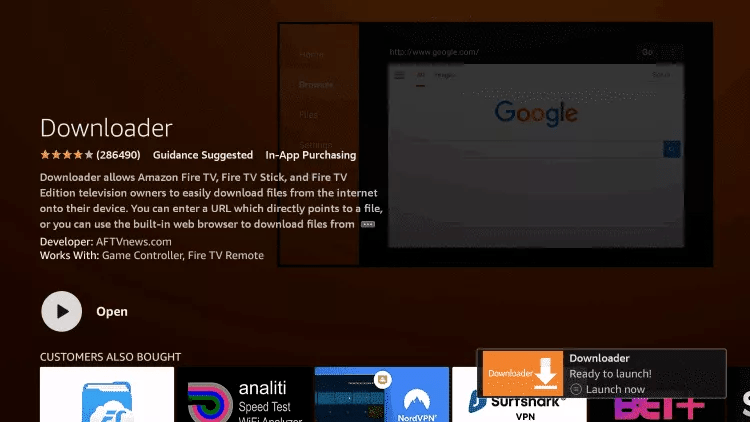
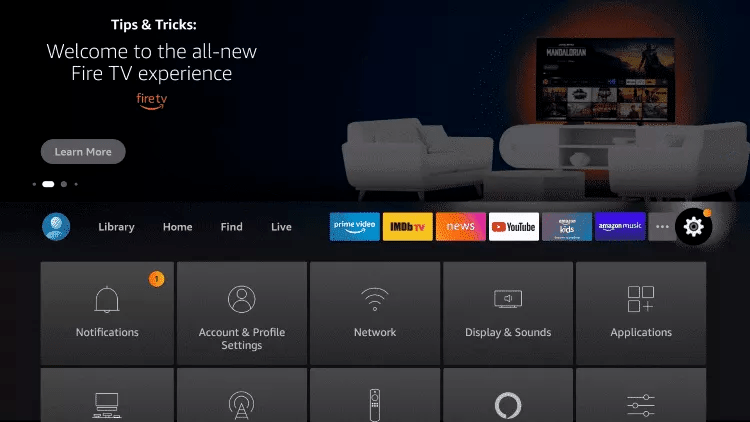
7. Revenez à l’écran d’accueil et ouvrez « Paramètres ».
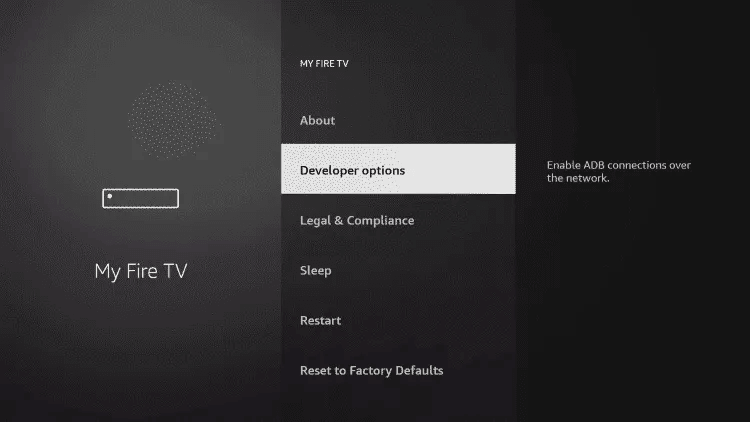
8. Cliquez sur « Mon Fire TV ».

9. Sélectionnez « Options pour les développeurs ».
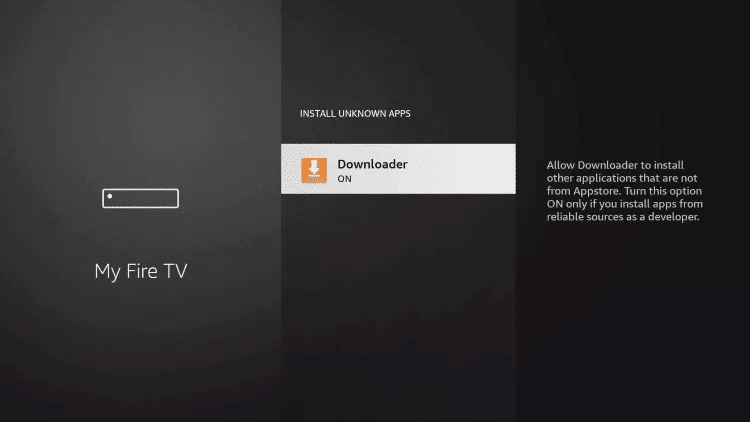
10. Cliquez sur « Installer des applications inconnues ».

11. Trouvez l’application Downloader et cliquez dessus.

12. Cela activera « Sources inconnues » pour l’application Downloader, permettant l’installation d’applications externes sur votre appareil.
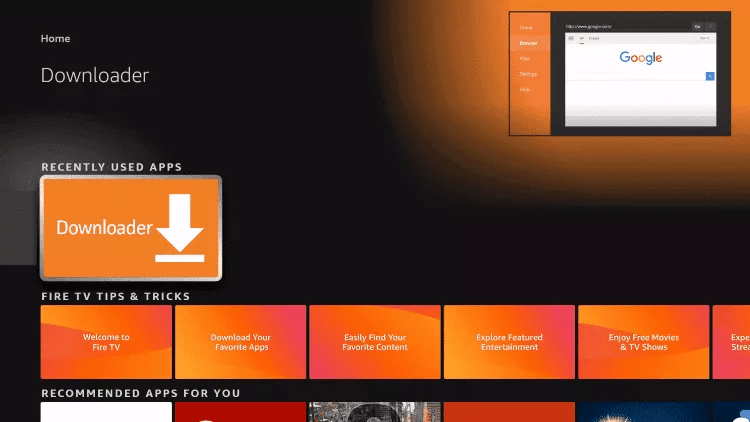
13. Lancez l’application Downloader.
14. Cliquez sur « Autoriser ».

15. Cliquez sur « OK ».

16. Tapez exactement l’URL suivante : https://www.iptvsmarters.com/smarters.apk et cliquez sur « Go ».

17. Patientez pendant le téléchargement du fichier.

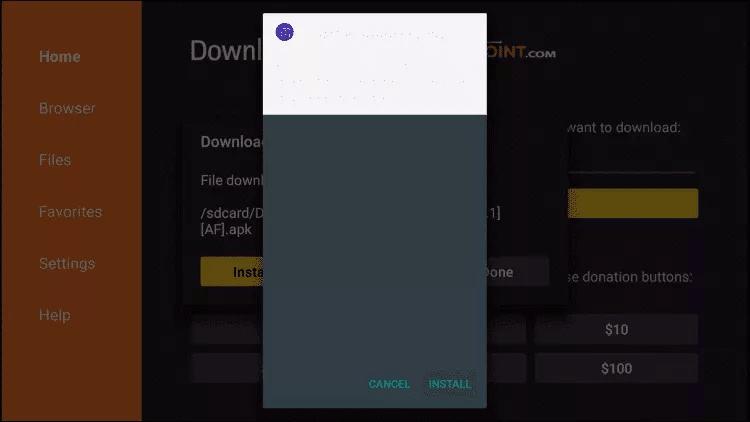
18. Cliquez sur « Installer ».
19. Cliquez sur « Terminé ».
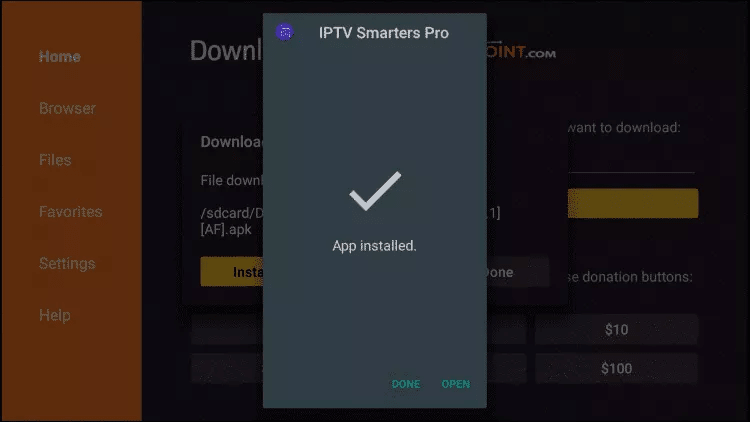
20. Ouvrez IPTV Smarters puis sélectionnez « Connexion avec Xtream Codes API ».
21. Saisissez les identifiants que nous vous avons envoyés via WhatsApp, Email ou Chat.
Pour TiviMate :
1. Tapez exactement l’URL suivante : https://tivimates.com/tiviapk et cliquez sur « Go ».

2. Patientez pendant le téléchargement du fichier.
Patientez jusqu’à la fin du téléchargement du fichier.
3. Cliquez sur « Installer » et une fois l’installation terminée, vous pouvez ouvrir l’application.
4. Cliquez sur « Ajouter une playlist » puis choisissez « Xtream Codes ».
5. Saisissez les identifiants que nous vous avons envoyés via WhatsApp, Email ou Chat.
TiviMate
Comment configurer IPTV sur TiviMate
1. Tapez exactement l’URL suivante : https://tivimates.com/tiviapk et cliquez sur « Go ».and click Go.
2. Patientez pendant le téléchargement du fichier.
Patientez jusqu’à la fin du téléchargement du fichier.
3. Cliquez sur « Installer » et une fois l’installation terminée, vous pouvez ouvrir l’application.
4. Cliquez sur « Ajouter une playlist » puis choisissez « Xtream Codes ».
5. Saisissez les identifiants que nous vous avons envoyés via WhatsApp, Email ou Chat.
Android
Comment configurer IPTV sur Android avec IPTV Smarters Player
Étape 1 : Commencez par télécharger l’application IPTV Smarters via cette URL : https://www.iptvsmarters.com/smarters.apk
Étape 2 : Ouvrez l’application une fois le téléchargement terminé et saisissez les identifiants que nous vous avons envoyés.

Step 3: Enter the login details that we have provided you after you get a subscription with us
Now Click on “ADD USER” to proceed to the next section.
Step 4: Wait some seconds.
Step 5: Now click on “Live TV” icon as depicted in the image via a red arrow.
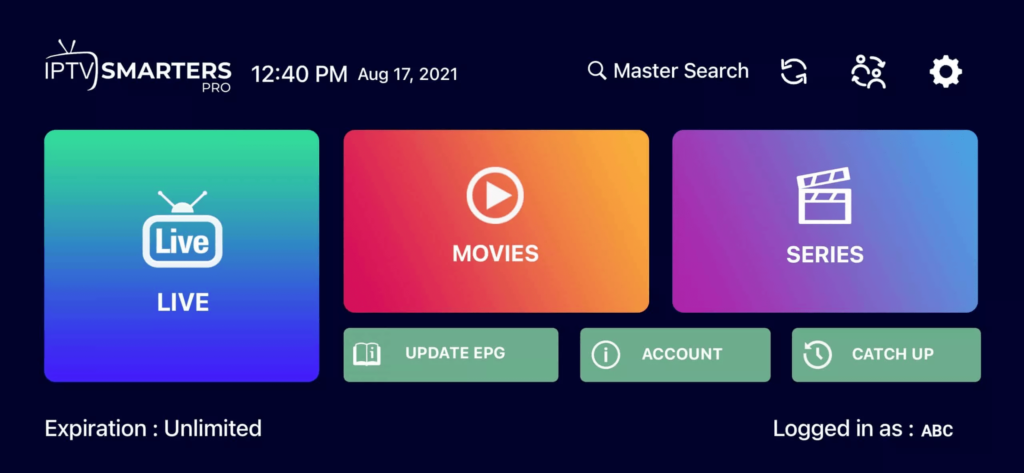
Step 6: Now you must select the channel group that you want to watch and proceed to the next section.
Step 7: Now you must click on the channel name and then double click on the small screen to turn into full screen as the final step.
Done
Apple / ios
Comment configurer IPTV sur Apple/iOS avec IPTV Smarters Player
Étape 1 : Commencez par télécharger l’application IPTV Smarters depuis l’Apple Store via cette URL :
https://apps.apple.com/in/app/smarters-player-lite/id1628995509
ou recherchez-la directement sur l’App Store.
Installez l’application sur votre appareil iOS.
Étape 2 : Ouvrez l’application une fois le téléchargement terminé et saisissez les identifiants que nous vous avons envoyés.
Step 3: Enter the login details that we have provided you after you get a subscription with us
Now Click on “ADD USER” to proceed to the next section.
Step 4: Wait some seconds.
Step 5: Now click on “Live TV” icon as depicted in the image via a red arrow.
Step 6: Now you must select the channel group that you want to watch and proceed to the next section.
Step 7: Now you must click on the channel name and then double click on the small screen to turn into full screen as the final step.
Step 8: To add EPG no need to add any EPG url, Just click on “Install EPG” .
Done
Far far away, behind the word mountains, far from the countries Vokalia and Consonantia, there live the blind texts. Separated they live in Bookmarksgrove right at the coast
Smart Tv
Étape 1 : Vous pouvez télécharger SetIPTV, NetIPTV ou Smart IPTV depuis le store de votre TV (Samsung, LG, …).
Étape 2 : Après l’installation, ouvrez l’application ; vous trouverez l’adresse MAC affichée à l’écran.
Exemple :

Étape 3 : Envoyez-nous l’adresse MAC via WhatsApp, Email ou Chat en direct.
Étape 4 : Après quelques minutes, redémarrez votre TV et ouvrez l’application.
Terminé !
Windows / Macbook
Windows Method :
Download IPTV Smarters app through this URL : https://www.iptvsmarters.com/download?download=windows
MAC Method :
Download IPTV Smarters app through this URL : https://www.iptvsmarters.com/download?download=mac
Mag Box
Step 1: Send us the MAC Address of your MAG via Whatsapp/Email/Live Chat
Step 2: After making the payment, we will send you the portal link